AI sees what you drew. But does it understand what you designed?
Sketch to Studio turns your sketch into a clearer and more reliable design reference for AI visualization.
Get Started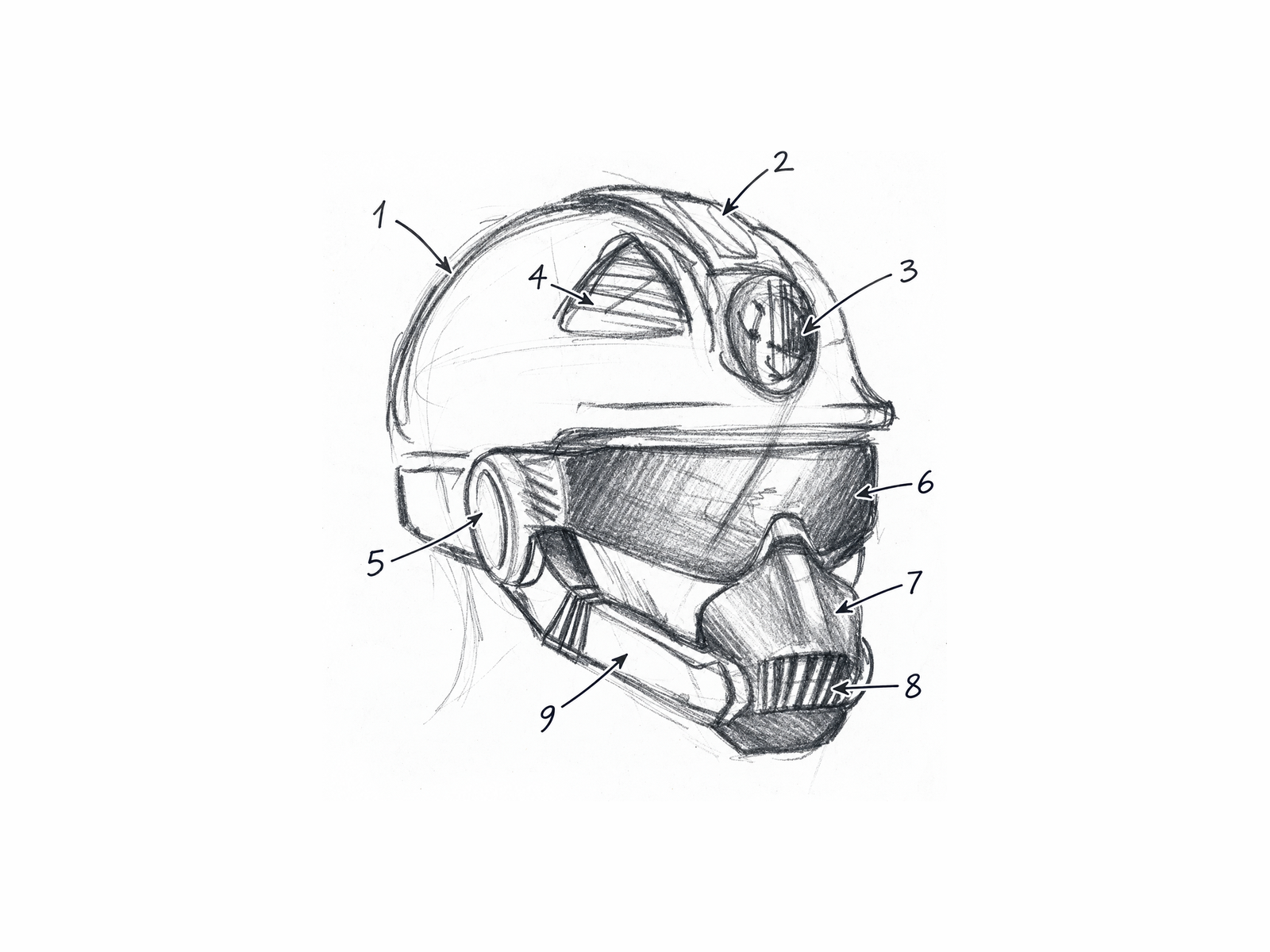
01
PREPARE YOUR SKETCH
Convey your sketch and design decisions in a way STS can read.
02
REFINE WITH STS
Get a clearer reference that preserves design intent while reducing form and perspective problems.
03
PREPARE FOR VISUALIZATION
Carry your refined reference and prepared design information into AI visualization tools.
Knowing how to use AI is not the same as knowing how to communicate your design to AI.
AI visualization depends on what it can understand from your sketch. STS prepares your sketch as a clearer, more controlled design reference before visualization begins.
What might AI misinterpret?
It may read a perspective error as part of the product's form.
What does STS do?
Refines perspective and form.
Tries to correct perspective and form errors caused by drawing while preserving the silhouette and proportions the designer intended.
What might AI misinterpret?
It may read unclear or repeated lines as real surfaces or geometry.
What does STS do?
Resolves unclear lines.
Tries to turn the tangle of lines in the sketch into more consistent, readable product geometry.
What might AI misinterpret?
It may fill missing areas with habits tied to the product category.
What does STS do?
Limits category assumptions.
Creates a more controlled reference that avoids adding typical product features that aren't present in the sketch.
What might AI misinterpret?
It may produce form and detail changes the designer didn't intend.
What does STS do?
Preserves design intent.
Keeps the positions, boundaries, and relationships of defined parts as tied to the source design as possible.
Lets you define the design decisions in your sketch.
STS links numbered parts to the correct regions in the sketch and lets the designer define these parts with material, surface, texture, and color information within the CMF discipline. Together, the Refined Sketch, part definitions, and CMF information form a clearer, structured design reference for AI visualization.
Sketch → STS → AI Visualization
STS reduces the room for interpretation before AI visualization begins.
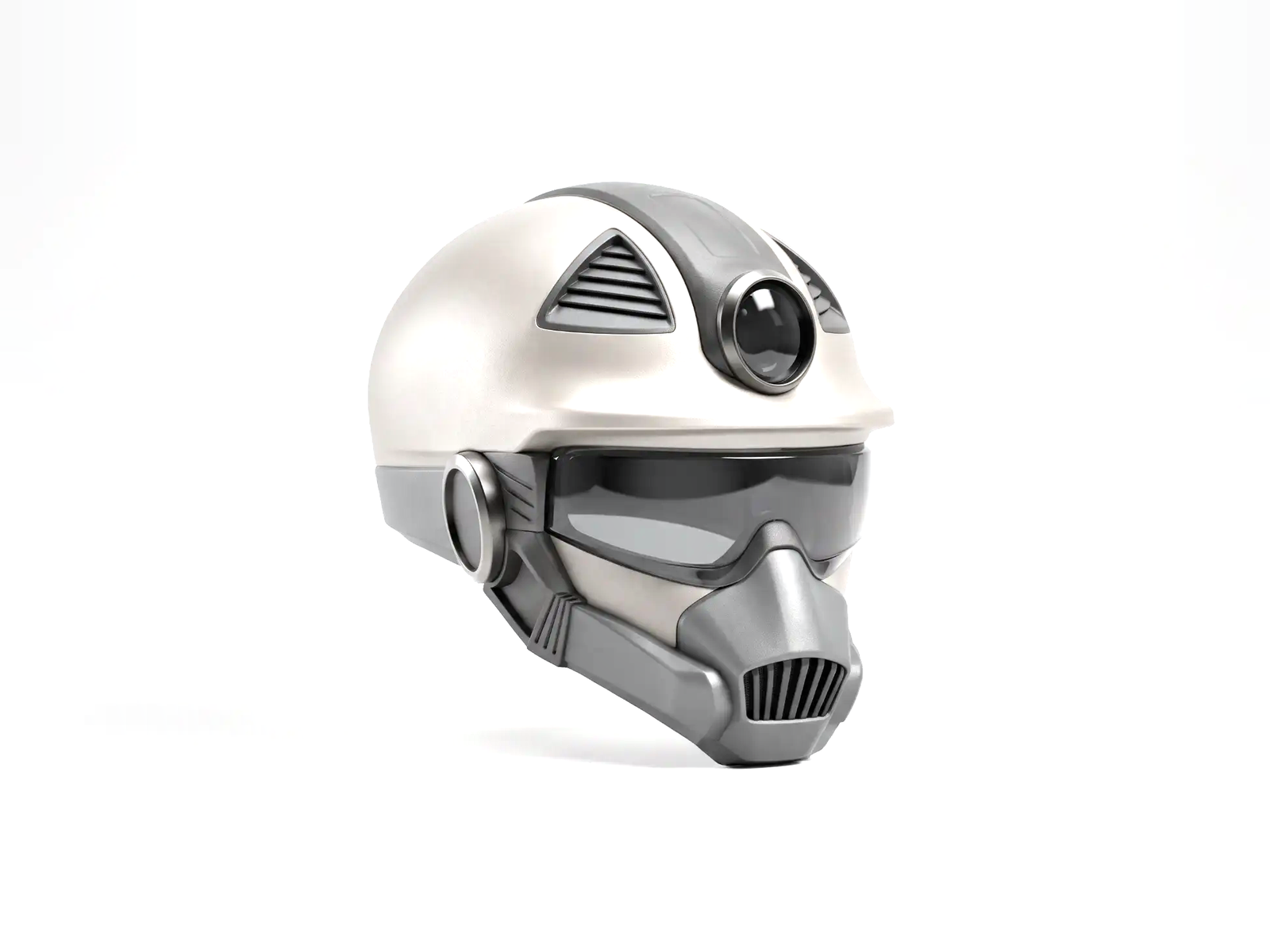
STS does not produce renders; it comes into play before rendering.
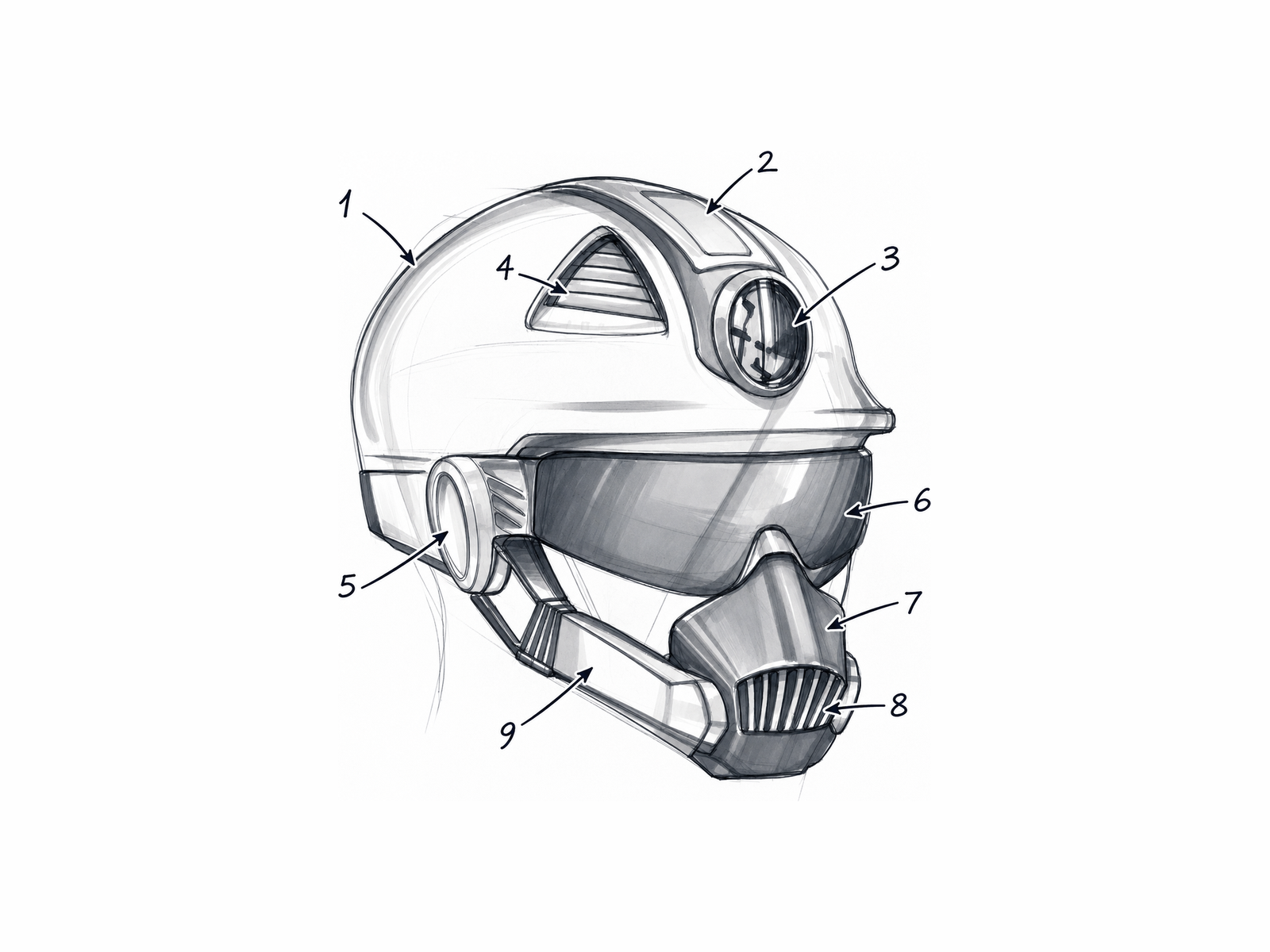
From sketch to refined reference
The design decision is preserved, and the drawing becomes a clearer reference. The comparisons below are real productions made with STS.
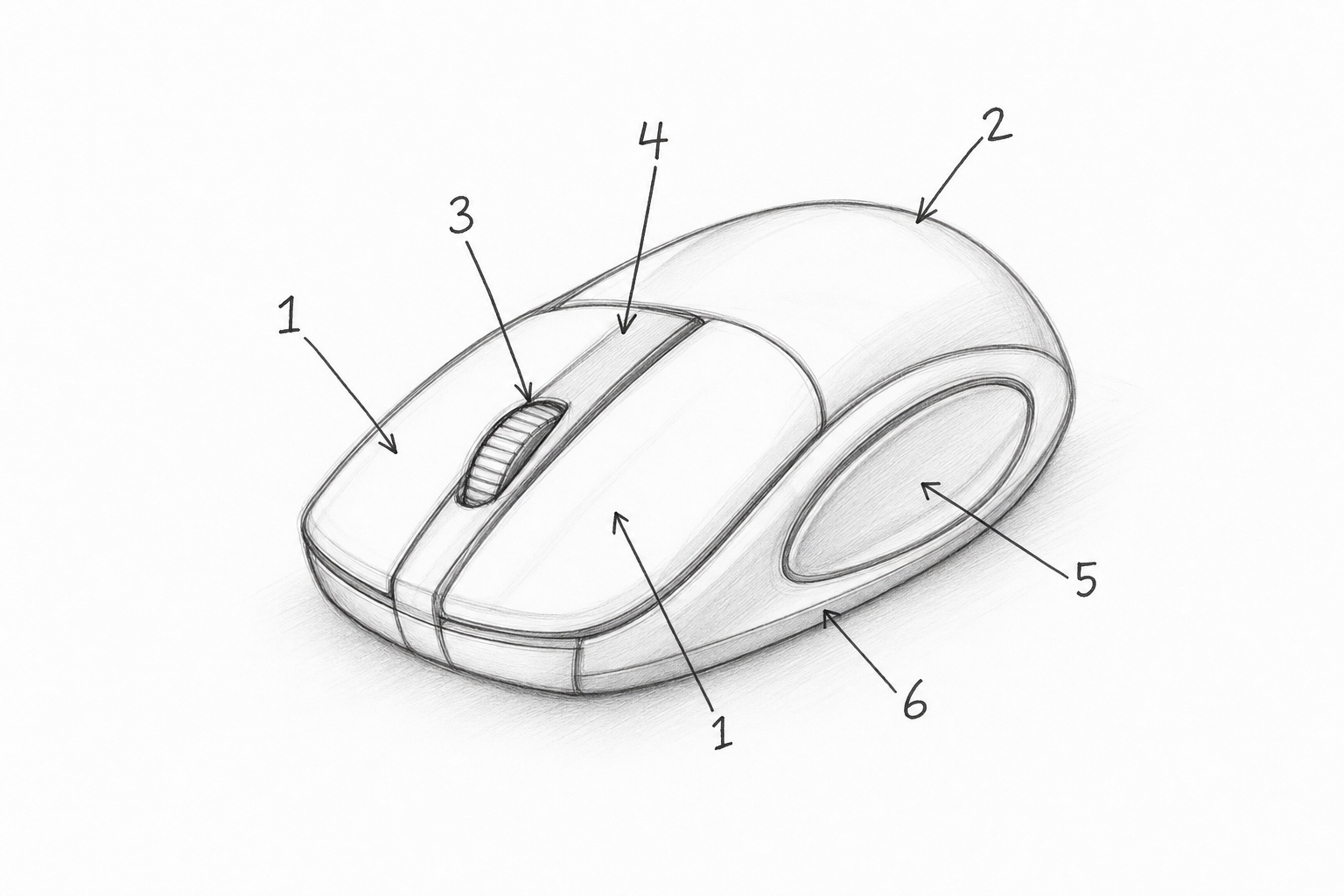
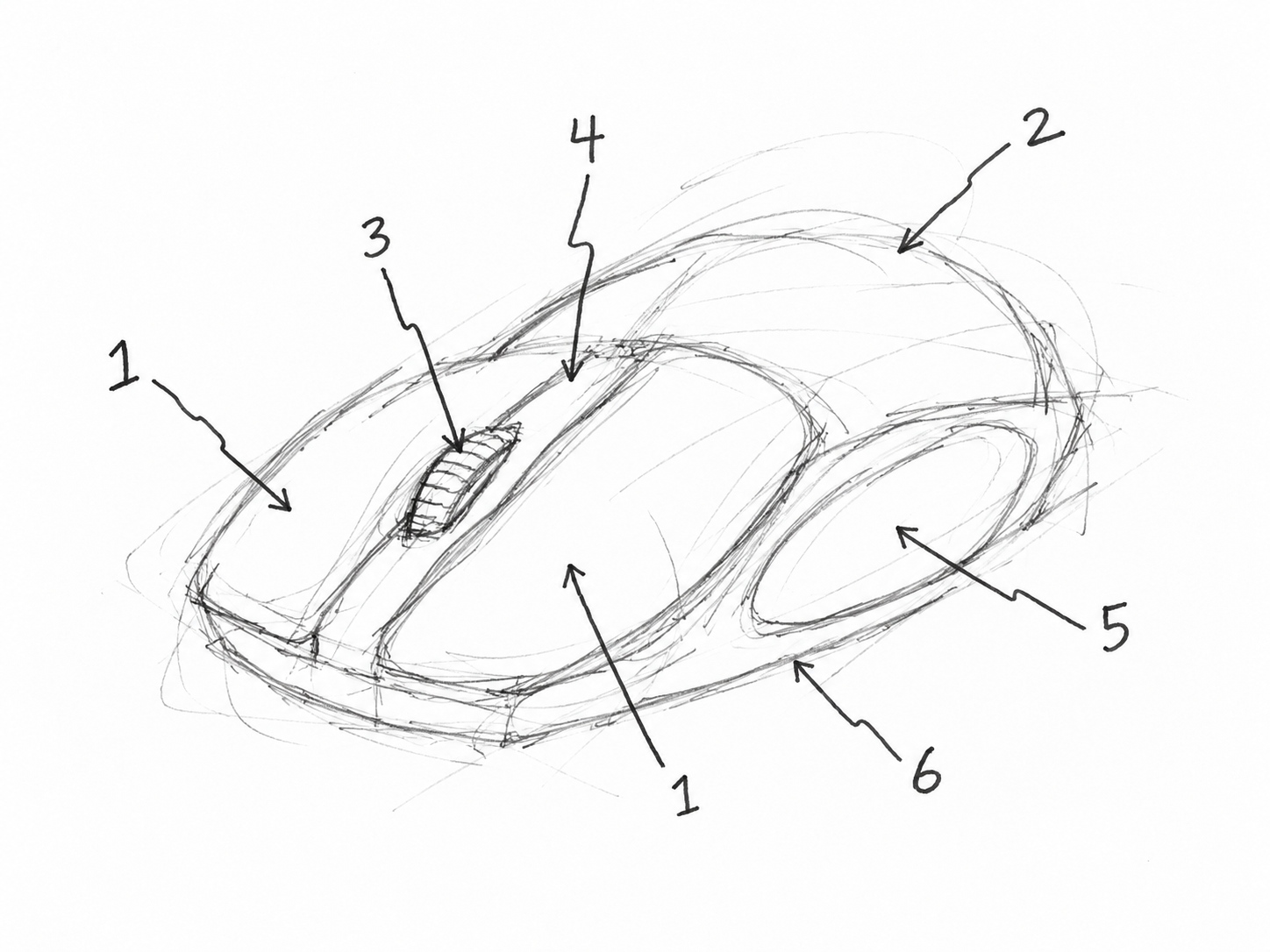
The comparison is only between the source sketch and the refined sketch; it does not include the final render.
Two ways of working. Same goal.
Basic Mode
For users who want to quickly prepare their sketch into a refined reference.
Interactive demo · No image is generated
Try the Demo
Pick one of the sample sketches to see the refined generation.
Try your first Refined Sketch for free.
Start with Basic ModeFull Mode
For users who want more control by defining parts and their material, surface, and color decisions.
Interactive demo · No image is generated
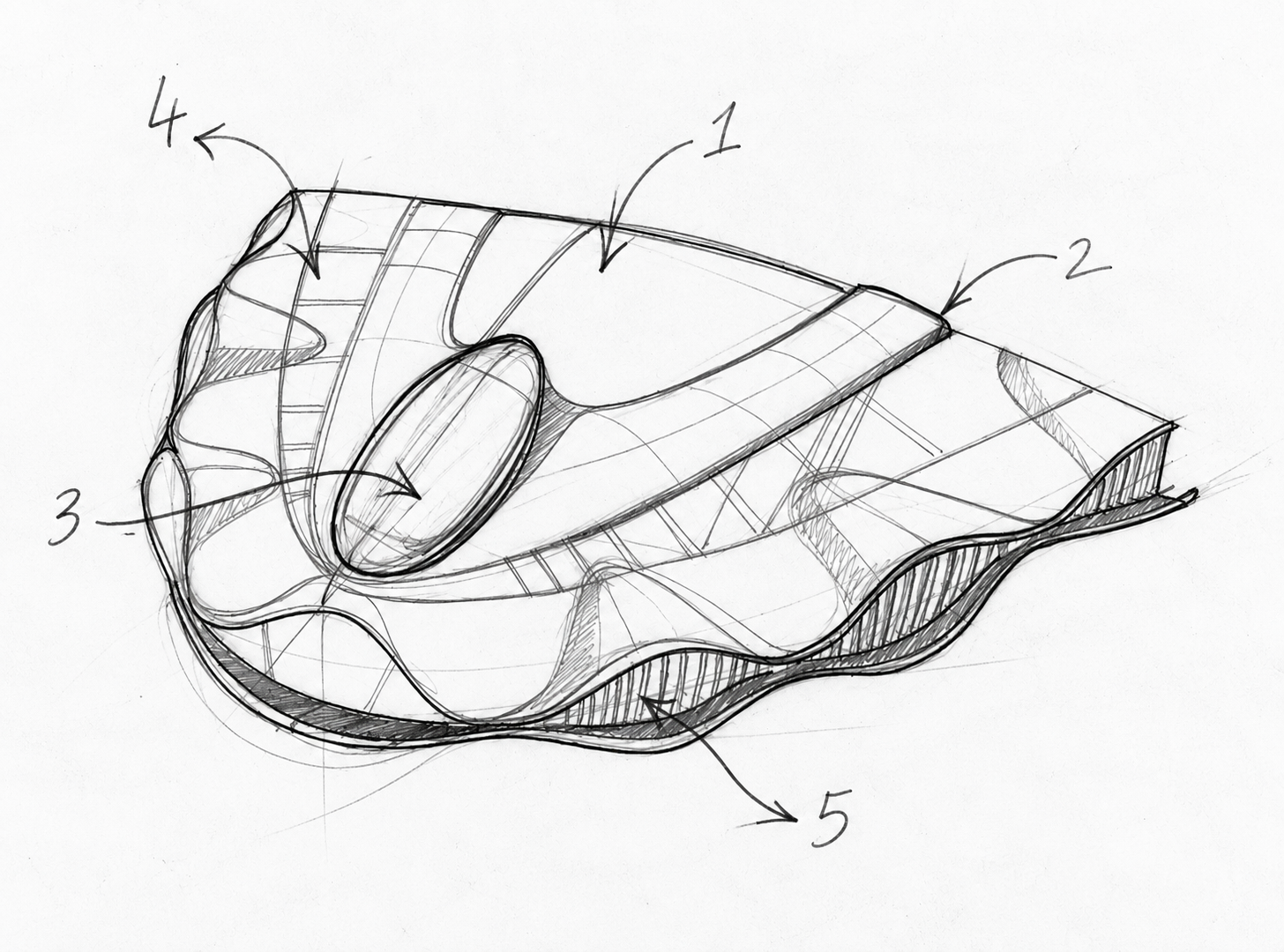
1 / 5
This is a demo flow; no image is generated.
Try your first Refined Sketch for free.
Start with Full ModeWhat do you end up with?
CMF Report
Shows what STS can read in the sketch and which points it cannot interpret clearly.
Refined Sketch
A clearer reference for visualization that aims to preserve the source design intent.
Vector Drawing
A clean, line-art style drawing that can be used in presentations.
Visualization Prompt
A structured prompt that carries the refined reference and defined design/CMF information into AI visualization.
